
How to Complete your KYC Verification on Cashaa
To ensure a secure and seamless experience, Cashaa requires users to complete a simple identity verification process. This step is essential for compliance with regulatory standards and to protect your account from unauthorized access. Follow the step-by-step guide below to complete your KYC (Know Your Customer) process:
- 1
Step 1:
Start by logging into your Cashaa account.
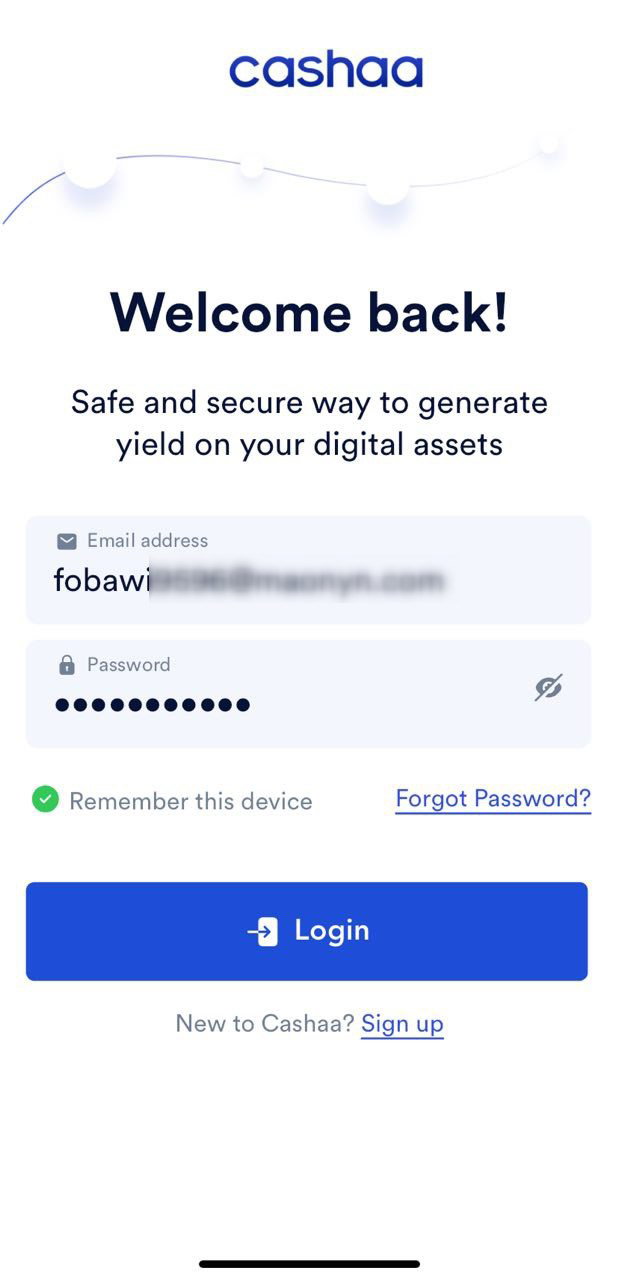
- 2
Step 2:
From the dashboard, navigate to Settings (refer to the image below for guidance).
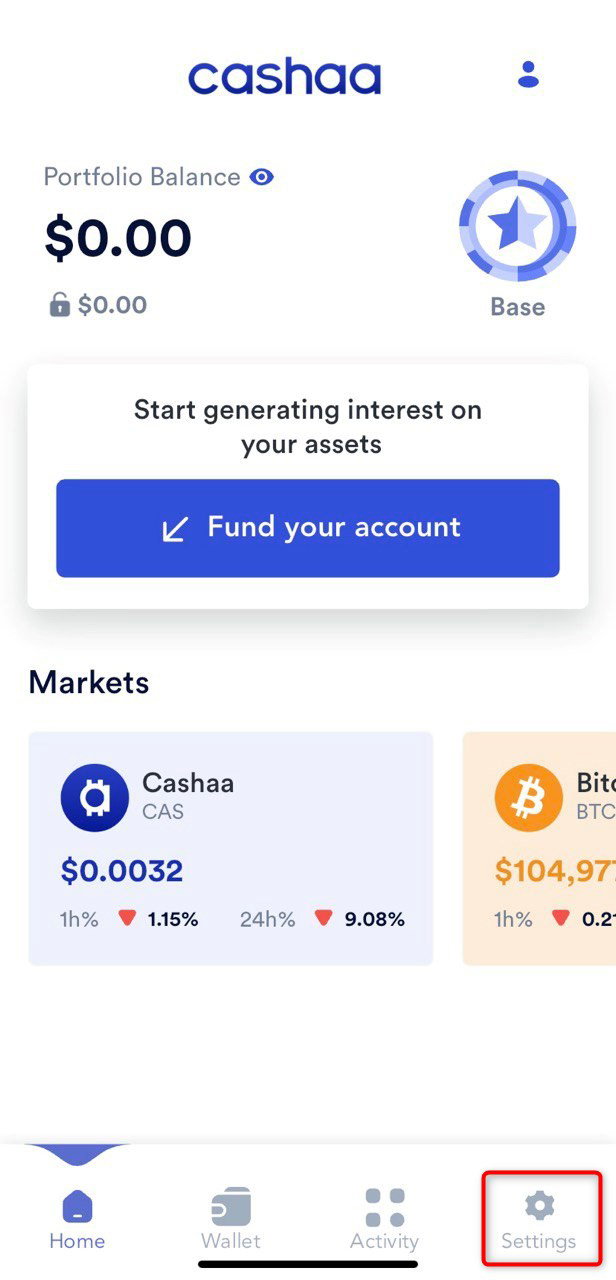
- 3
Step 3:
Select the KYC option to begin the verification process.
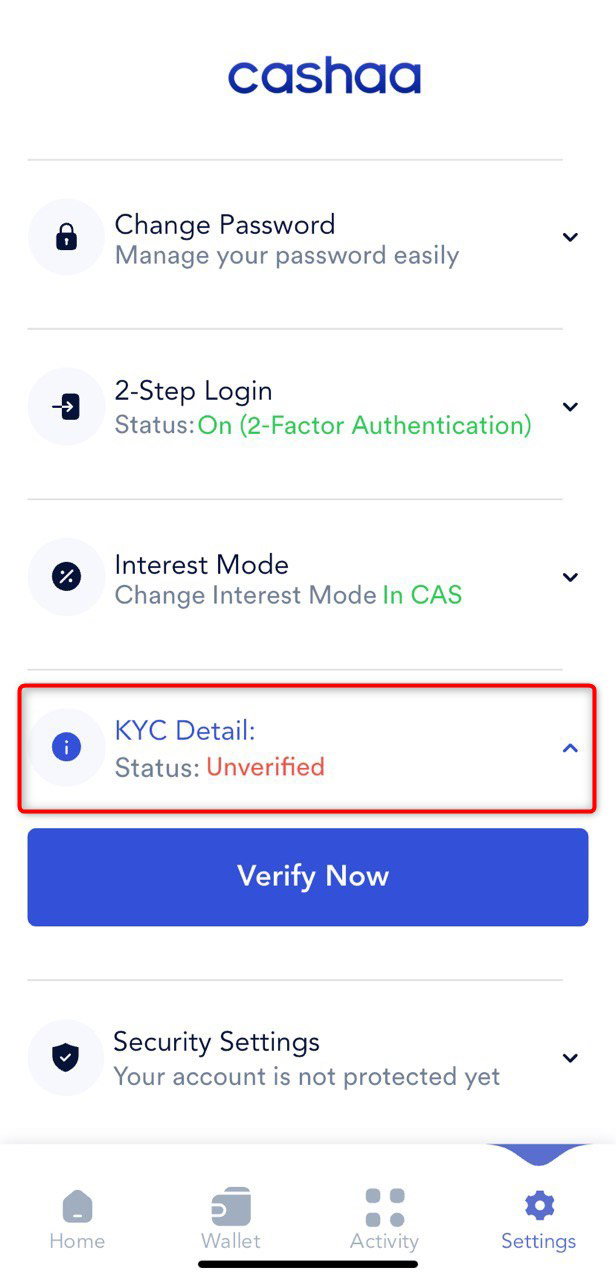
- 4
Step 4:
A verification email will be sent to your registered email address.
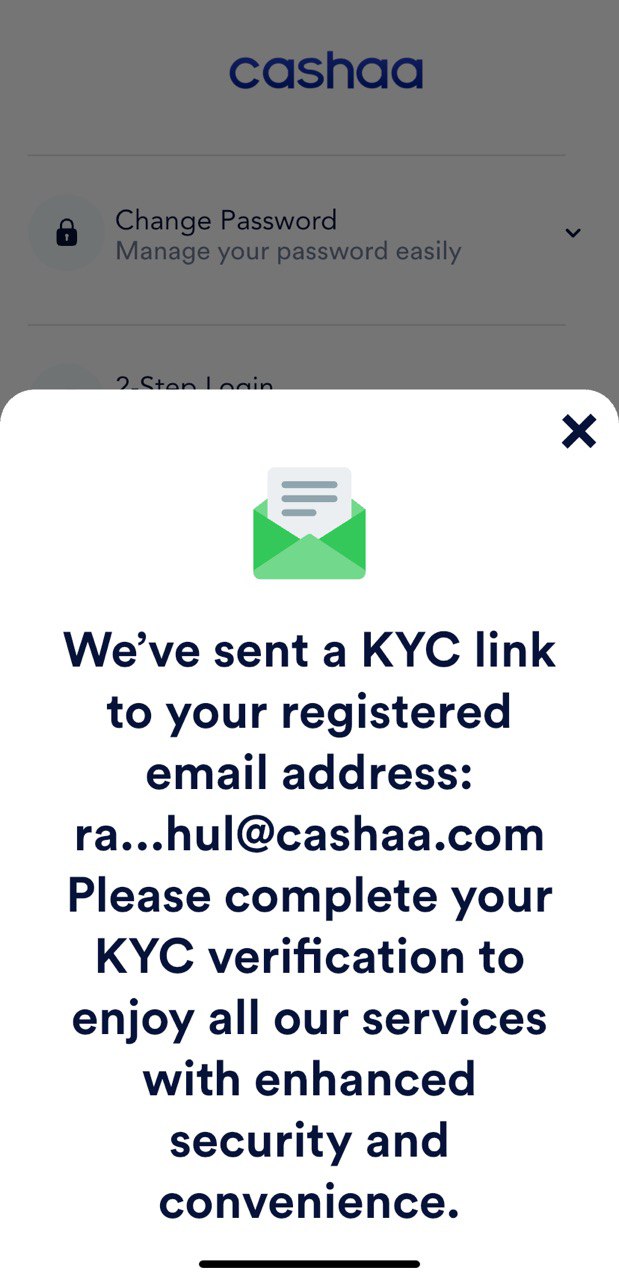
- 5
Step 5:
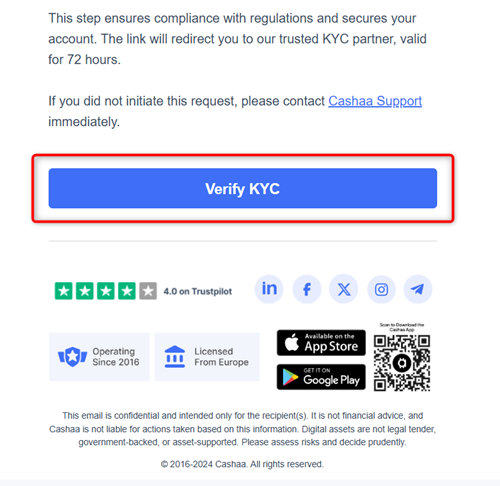
Open the email and click on the Verify KYC link to proceed with the process using our trusted KYC partner.
- 6
Step6:
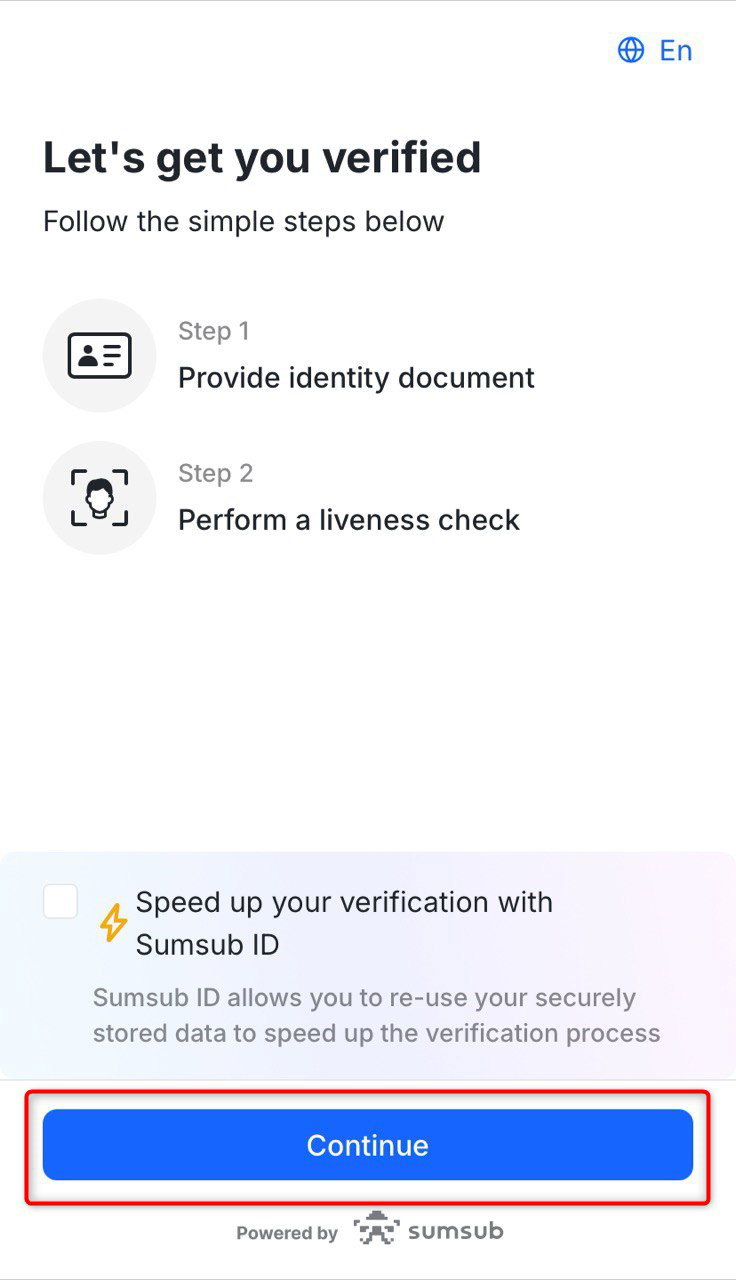
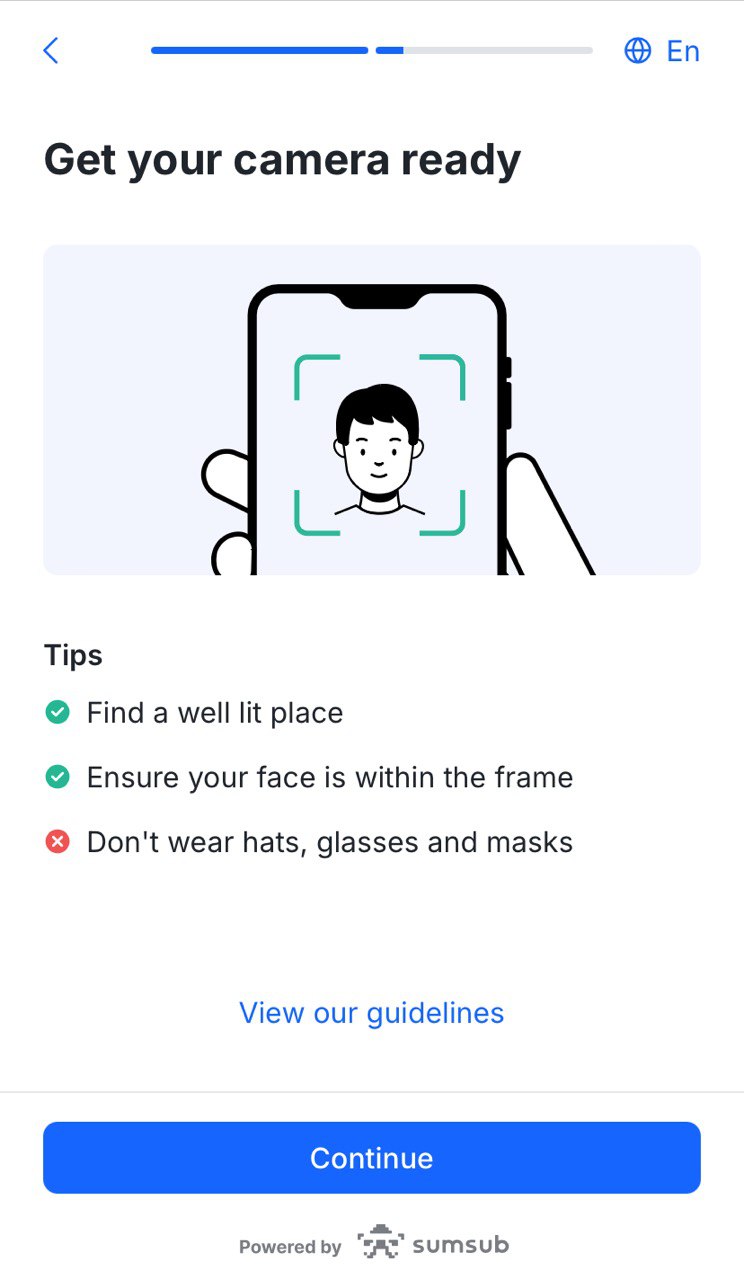
Make sure your web or mobile camera is connected and working. Click Continue and follow the instructions displayed on the screen.
- 7
Step 7:
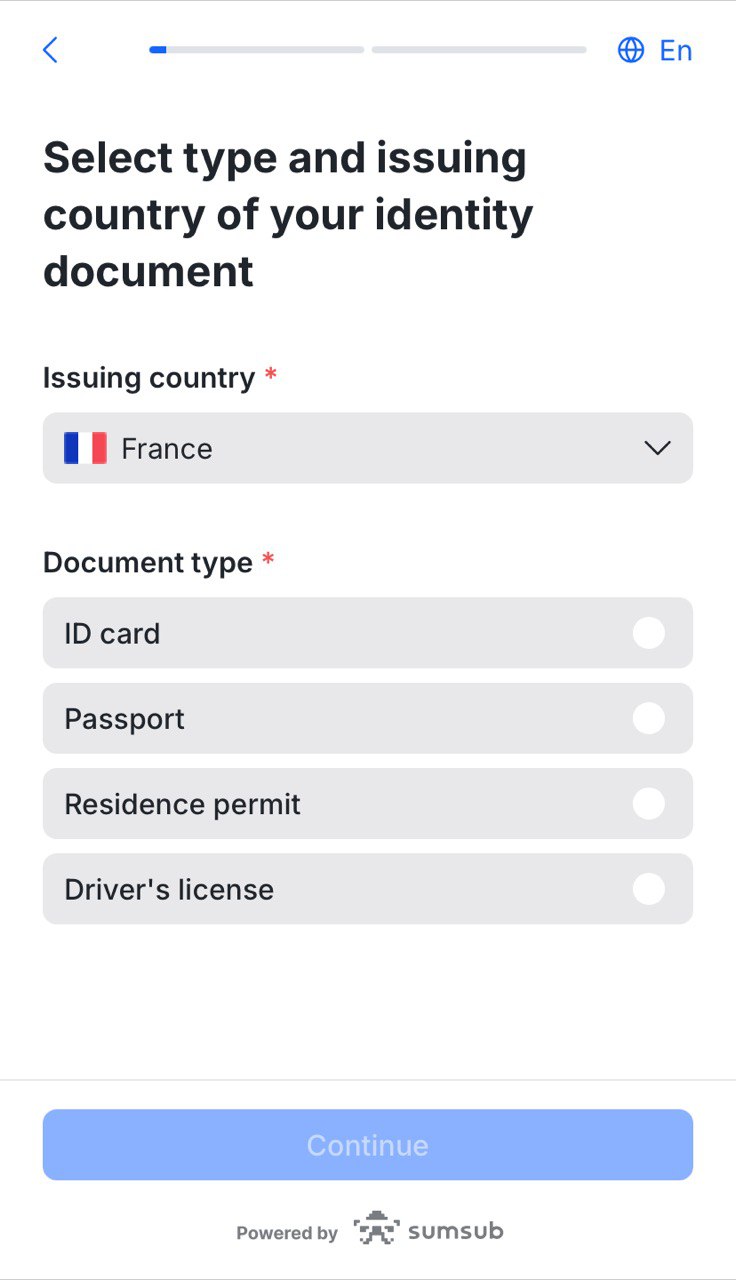
Select the country and document-type of the ID you wish to use.
- 8
Step 8:
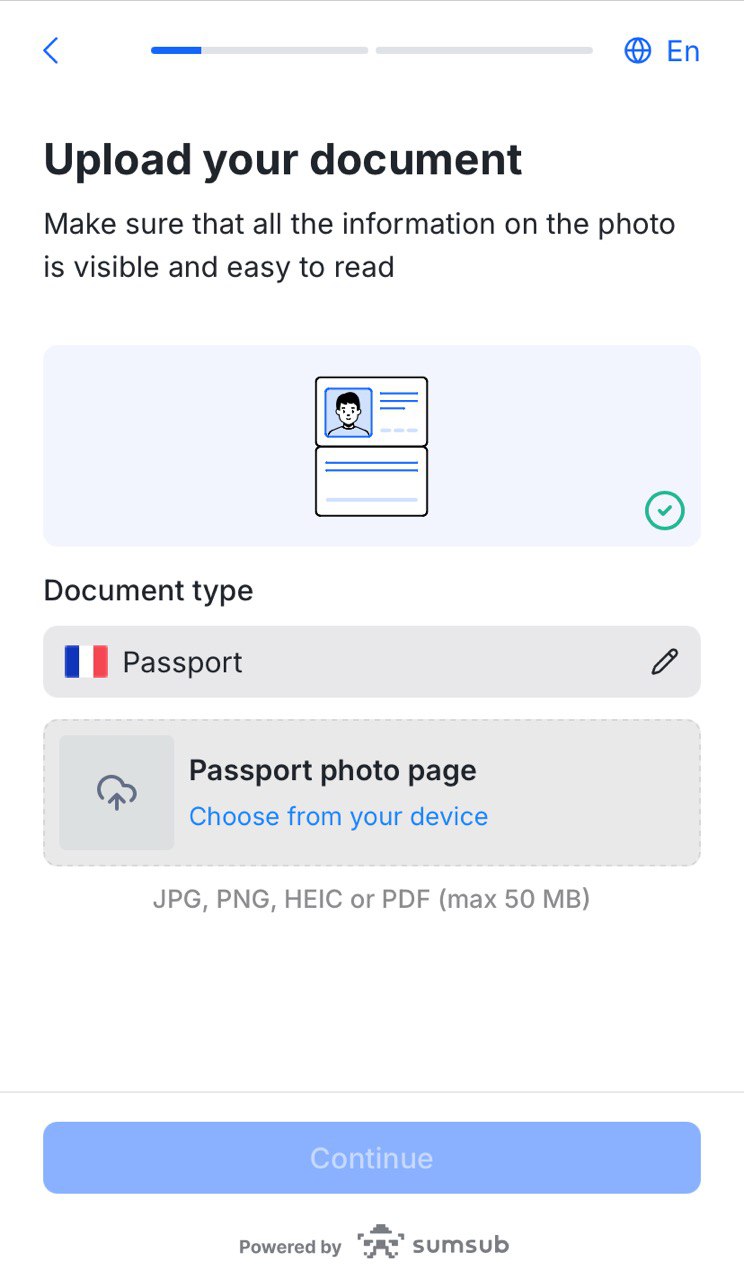
Upload the photos of the ID document. You can use any official government document—ID-card, passport, driving license, etc. —valid for at least one month after the present date.
- 9
Step 9:
Complete the liveness check by facing the camera and slowly rotating your head in a full circle as instructed.
- 10
Step 10:
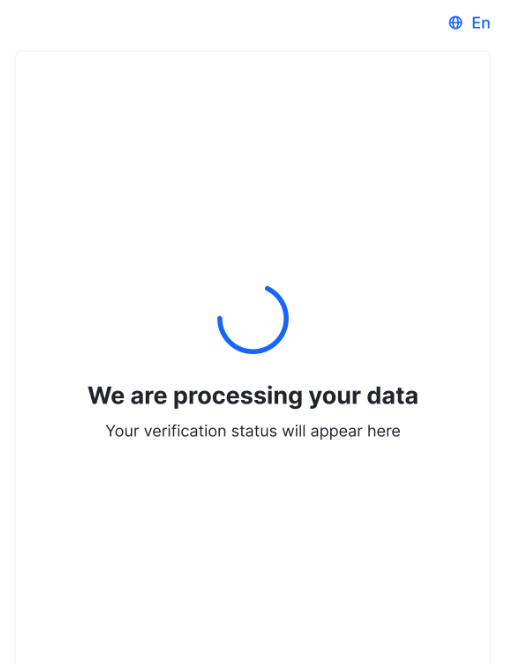
Now you’ll just have to wait while Sumsub checks your data. This won’t take long and the status of your application will be updated automatically.
Was this helpful?
Quick feedback helps us improve.